Quick Capture for Mac.
From Thought to Note in 1 Second.
Six ways to capture an idea before it disappears — most in 1 second, all under 3. Drag, click, type, speak, shake, or ask an AI.
macOS 14+ • Free download • Works in any app
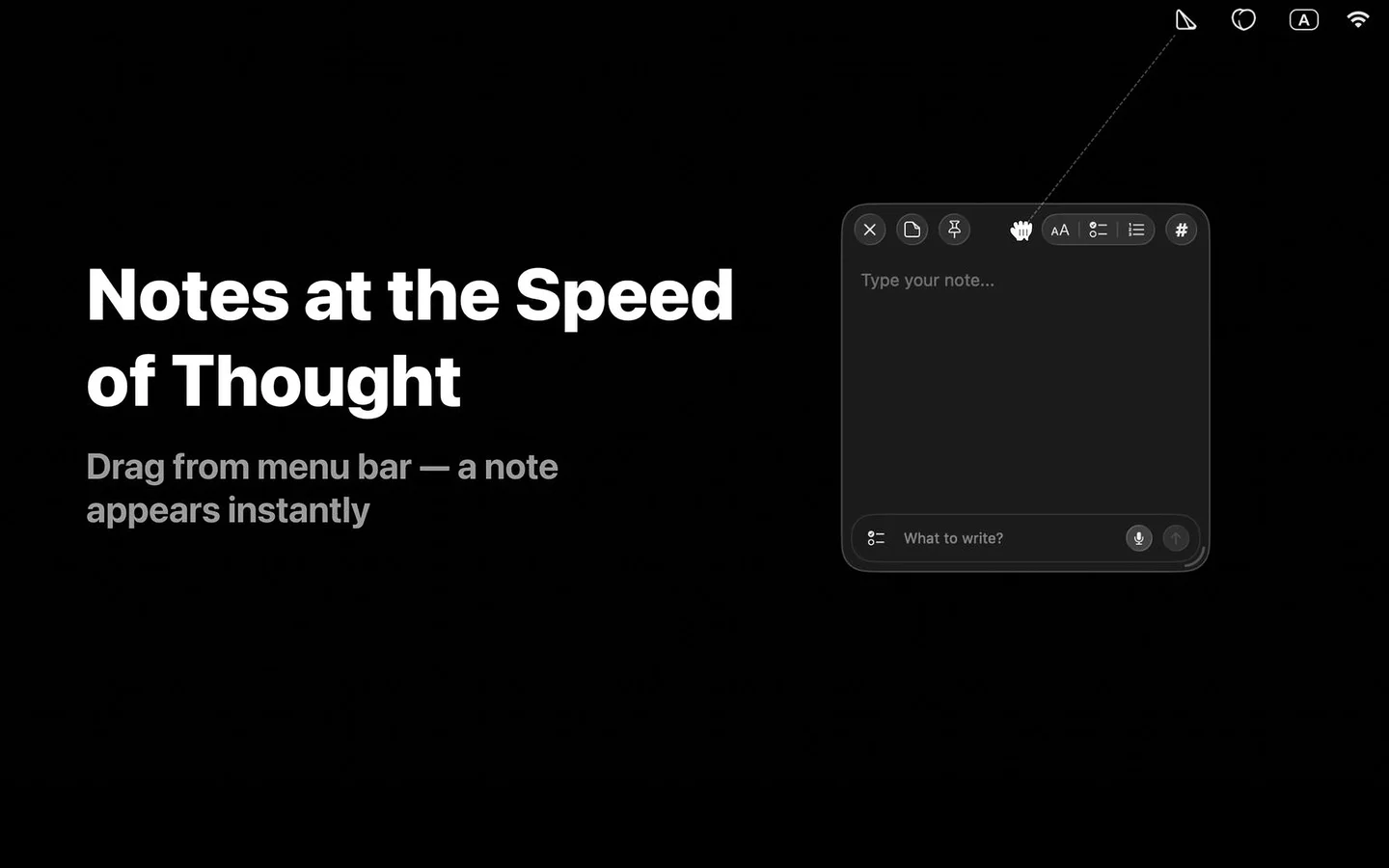
Six Ways to Capture a Note
Pick the entry point that matches the moment. Three free, three Pro. All land you in an editable sticky note.
Drag from Menu Bar
FreePull the menu bar icon down — a sticky note grows under your cursor with a smooth peel animation. Unique to SlashNote.
Click the Icon
FreeClick the menu bar icon and pick New Note. Classic, predictable, familiar to every Mac user.
Global Hotkey
FreeCustomizable keyboard shortcut from anywhere on macOS. No mouse, no app switch. Works even when another app is fullscreen.
Voice Note
ProPush-to-talk with a customizable hotkey. Powered by Whisper running on-device. No audio leaves your Mac.
How voice notes work →Shake Gesture
ProDragging a file or text from another app? Shake your mouse — the content drops into a brand new sticky note.
From an AI Agent
ProAsk Claude, Cursor, or any MCP client in natural language. The AI creates the note for you. 26 endpoints exposed.
Set up the MCP server →Want every way? Compare all 10 methods to take a quick note on Mac →
Why 1 Second Matters
Speed is not a vanity metric. It is the difference between a captured idea and a forgotten one.
Working memory holds new information for roughly 15 to 30 seconds before it decays without rehearsal. A 5 to 10 second app-launch delay is not just slow — it eats your idea's lifespan.
SlashNote drag or hotkey
One gesture, no app switch. The thought is on the page before working memory drops it.
Conventional notes apps
Cmd+Tab, find the app, launch, wait for the window, click into a field, start typing. A lot can be lost in those seconds.
Speed Showdown
SlashNote vs the apps people most often compare it to.
| Method | SlashNote | Apple Quick Note (Fn+Q) | Apple Notes | Raycast | Tot | Notion |
|---|---|---|---|---|---|---|
| Time to editable note | ~1s | ~3s | ~5–10s | ~2s | ~2s | ~5–7s |
| Menu bar access | Drag + click | No | No | Via Raycast bar | Click only | No |
| Customizable hotkey | Yes | Fn+Q only | No | Yes | Yes | Yes |
| Voice capture | On-device Whisper | Siri dictation | Siri dictation | No | No | No |
| 3-state checkboxes | Yes | No | No (2-state) | No | No | No (2-state) |
| Works offline | Fully | Yes | Yes | Yes | Yes | No |
| Cost | Free / $9.99 mo / $29.99 yr / $29.99 lifetime | Free with macOS | Free with macOS | Free / Pro | $20 one-time | Free / Plus / Business |
Times measured from intent to editable cursor in a new note. macOS 14, default settings, Feb 2026.
Full breakdown: SlashNote vs Apple Fn+Q vs Tot vs Raycast vs Notion →
Capture Once. Pin It. Check It Off.
The combination no competitor has — 3-state checkboxes plus pinned-always-visible sticky notes. Built for daily plans, recurring checklists, and tracking what is in progress right now.
3-State Checkboxes
Track progress with three states — to-do, in-progress, done. Most apps have two. We have three. Right-click any checkbox to cycle.
Pinned Over Every Window
A pinned note stays visible above all apps, across every Space, even on top of fullscreen apps. Your daily checklist never gets buried.
Reusable Daily Checklists
Morning routine, daily standup, code review steps, weekly review — keep one sticky for each. Check off, reset, repeat.
Want a methodology to wrap around this? Build a daily second-brain workflow →
Works Wherever You Are
Capture from any app, any state, any network condition.
In Fullscreen Apps
Global hotkey pierces fullscreen mode. Capturing during a presentation, Figma full-bleed, or Xcode focus mode works the same as everywhere else.
Without the Internet
Every capture method is local. Notes save to SQLite on disk. On a plane, in a tunnel, in a remote cabin — capture still works.
From Any Browser or IDE
Drag a paragraph from Safari, a link from Chrome, code from Cursor or VS Code. Shake the mouse mid-drag — instant note.
From AI Agents
Claude Desktop, Claude Code, Cursor, Windsurf, JetBrains, Zed — any MCP client can create notes on your behalf via natural language.
Deep dives: voice notes • developer integrations • MCP server
Frequently Asked Questions
What's the fastest way to capture notes on Mac? ▾
How does SlashNote compare to Apple's Quick Note (Fn+Q)? ▾
Can I capture notes without opening an app? ▾
Is quick capture free or Pro? ▾
Can I customize the keyboard shortcut? ▾
Does the hotkey work when another app is fullscreen? ▾
Can I capture notes from Claude or Cursor? ▾
What if I am offline? ▾
Looking for an Apple Quick Note (Fn+Q) replacement? Read our full guide →
Capture Your Next Idea
Download SlashNote — free on the Mac App Store. Pro unlocks voice, shake, and MCP.
Download on the App Store