Everything You Need, Nothing You Don't
SlashNote keeps things simple. Create notes in seconds, find them instantly, enhance with AI when you need it.
6 Ways to Create a Note
Drag from Menu Bar
Pull the icon down — a note grows under your cursor with a smooth animation.
Click the Icon
Click the menu bar icon and pick New Note. Quick and familiar.
Global Keyboard Shortcut
Customizable hotkey to create a note instantly from anywhere. No mouse needed.
Voice Note
Push-to-talk with customizable hotkey → dictate → text appears in the note. 100% on-device. Pro feature.
Shake Gesture
While dragging files or text from other apps, shake your mouse → content drops into a new note. Pro feature.
From an AI Agent
Ask Claude, Cursor, or any MCP client to create a note. Natural language → structured sticky. Pro feature.
Deep dive: How to capture notes on Mac in 1 second →
Core Features
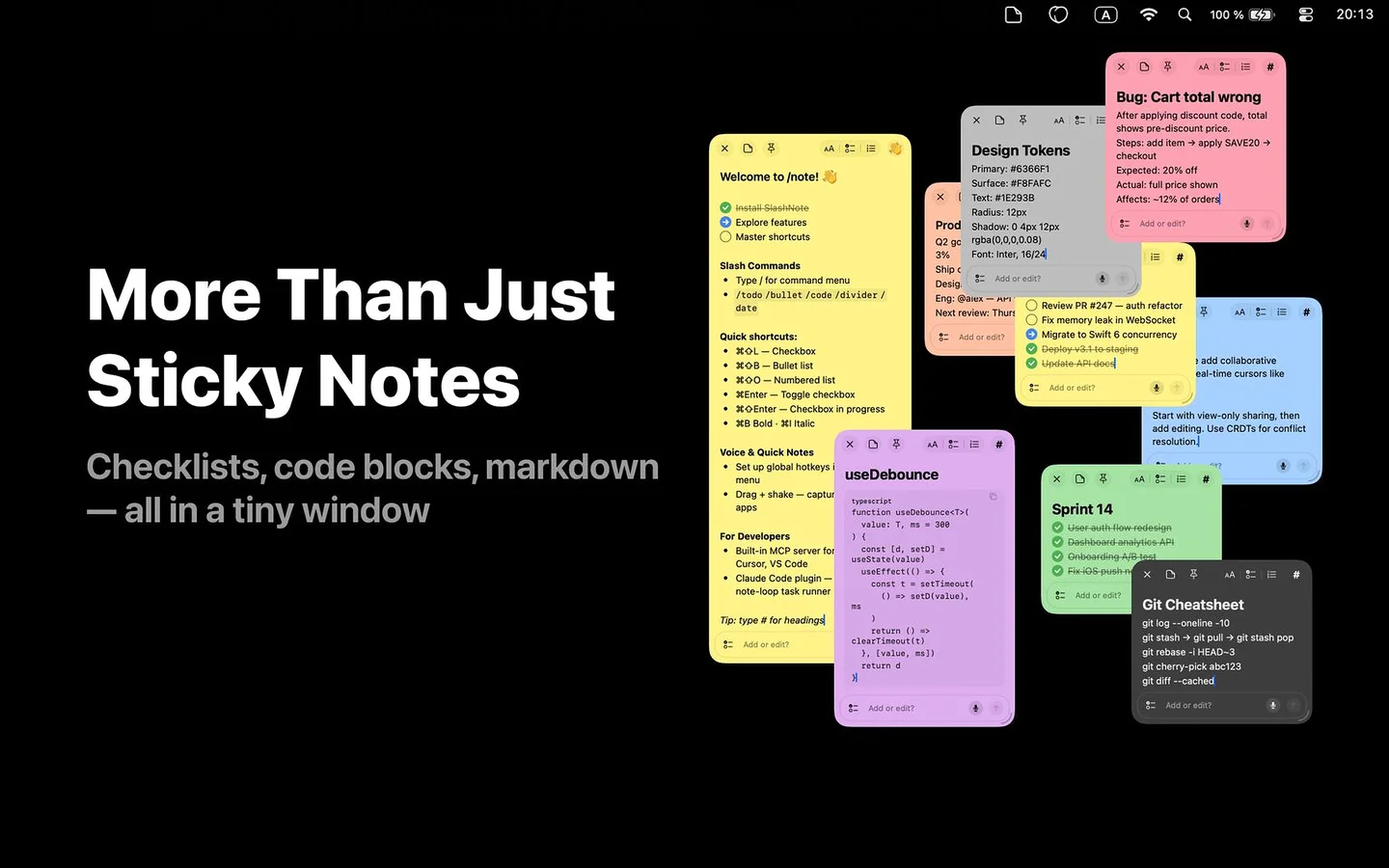
Rich Text Editor
3-state checkboxes, bullet lists, headings, images. Markdown copy/paste support.
Voice Input
Whisper-based speech-to-text running on-device. 100+ languages. Push-to-talk hotkey.
MCP Server
20 tools for AI agents. Compatible with Claude Desktop, Claude Code, Cursor, VS Code.
Pin Over All Windows
Note stays above all apps, even when switching Spaces. Perfect for task lists.
6 Note Colors
Yellow, Peach, Green, Blue, Purple, Pink. Organize visually.
Privacy by Design
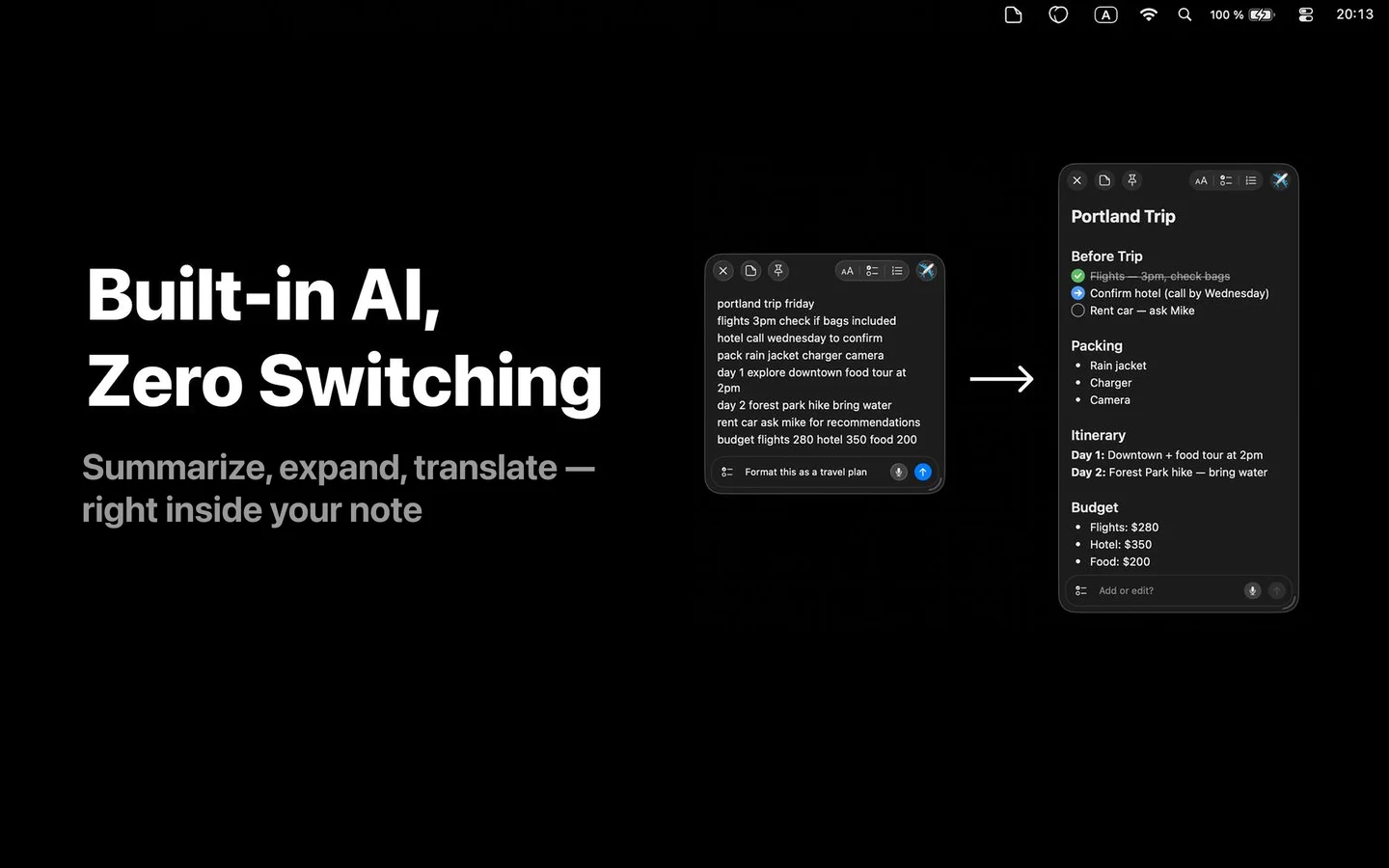
All notes stored locally. Voice processed on-device. AI is optional.
Deep dive on voice: How voice notes work on Mac with Whisper →
How SlashNote Compares
See how SlashNote stacks up against other note-taking apps.
| App | Capture Speed | AI | MCP | Voice | Menu Bar |
|---|---|---|---|---|---|
| Apple Notes | Slow — requires app switch | Apple Intelligence only | No | Siri dictation | No |
| Stickies.app | Basic | None | No | System dictation | No |
| Notion | Slow — heavy app | Notion AI | No | No | No |
| Obsidian | Medium — requires setup | Plugins | No | No | No |
| Bear | Medium | None | No | No | No |
| Tot | Fast but limited (7 notes) | None | No | No | Yes |
| SlashNote | 1 second — 6 methods | 3 providers, 6 modifiers | 20 tools + 6 templates | On-device (local) | Yes |
Comparison based on publicly available features as of February 2026.